Skip to content
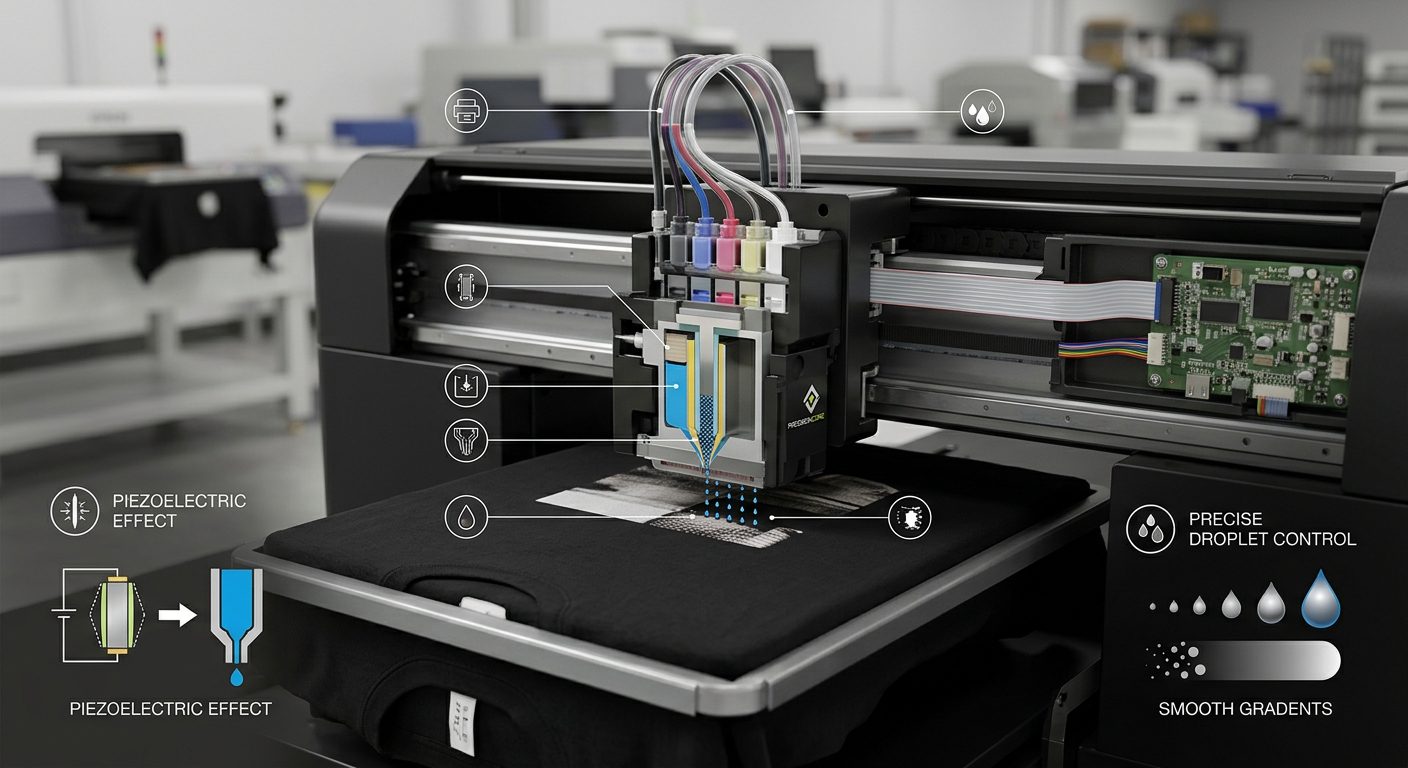
A direct to garment printer needs precise printhead alignment to create sharp, detailed shirt designs. Small alignment errors can ruin print quality quickly. The printhead deposits microscopic ink drops onto fabric. Therefore, consistent ink placement ensures clean graphics, smooth gradients, and sharp text.
During daily production runs, printheads move rapidly across garments. Over time, regular mechanical movement can alter factory settings. Ink residue, dust buildup, heavy vibration, and temperature shifts also shift alignment. As a result, graphics lose detail and develop color fringing.
For commercial print service providers across the UAE, accurate calibration keeps production running smoothly. Aura Sign Advertising supports local print businesses with leading digital printing technologies. Our portfolio includes top industry brands like Mimaki, Roland, Epson, KingJet, MTuTech, and Zhongliqi. With full after-sales support and Annual Maintenance Contracts (AMCs), Aura Sign Advertising keeps your machinery precise.
Why Direct to Garment Printer Alignment Matters
A direct to garment printer depends on exact color channel registration. If one channel drifts, image layers will miss their targets. For example, black text next to yellow shapes can show overlapping lines.
Detailed designs demand high-precision calibration. Small logo elements require accurate ink drop placement on every pass. Mechanical components and specialized software work together during every print cycle.
Automatic calibration routines help operators catch small errors early. Modern machines run routine checks to measure positioning accuracy. Consequently, print service providers maintain consistent quality during long runs.
How a Direct to Garment Printer Runs Alignment Tests
Most modern DTG systems offer guided setup wizards. These routines let operators identify positioning issues before starting large client orders.
First, the machine prints a test pattern on paper or test fabric. The pattern displays fine grid lines, solid color blocks, and registration marks.
Next, the print software analyzes the test grid. Automated sensors calculate positional shifts directly. Some models require manual inputs from the operator.
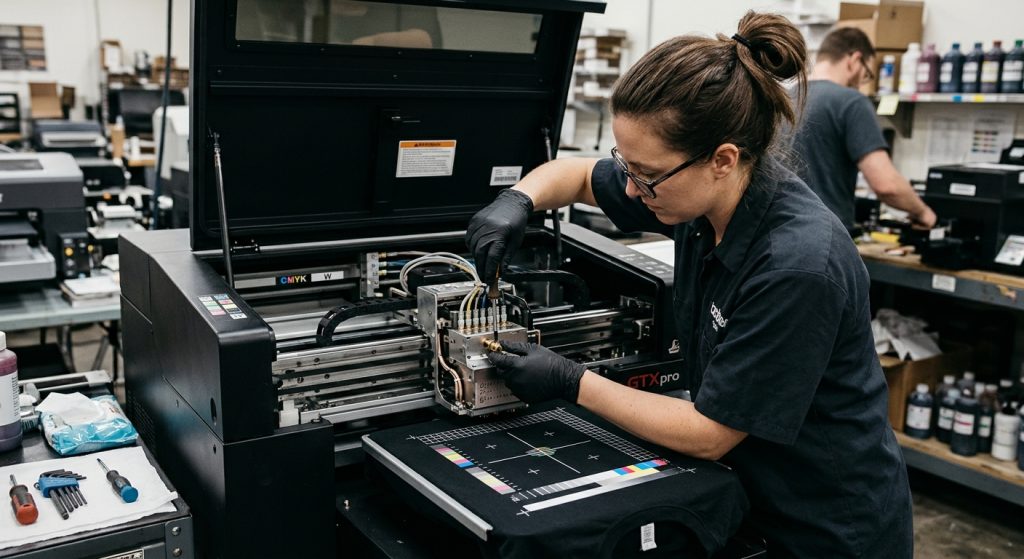
Printheads print while moving left and right across the garment platen. If bidirectional movements mismatch, images appear blurred. Therefore, regular bidirectional tests keep two-way printing crisp.
Routine Care for a Direct to Garment Printer
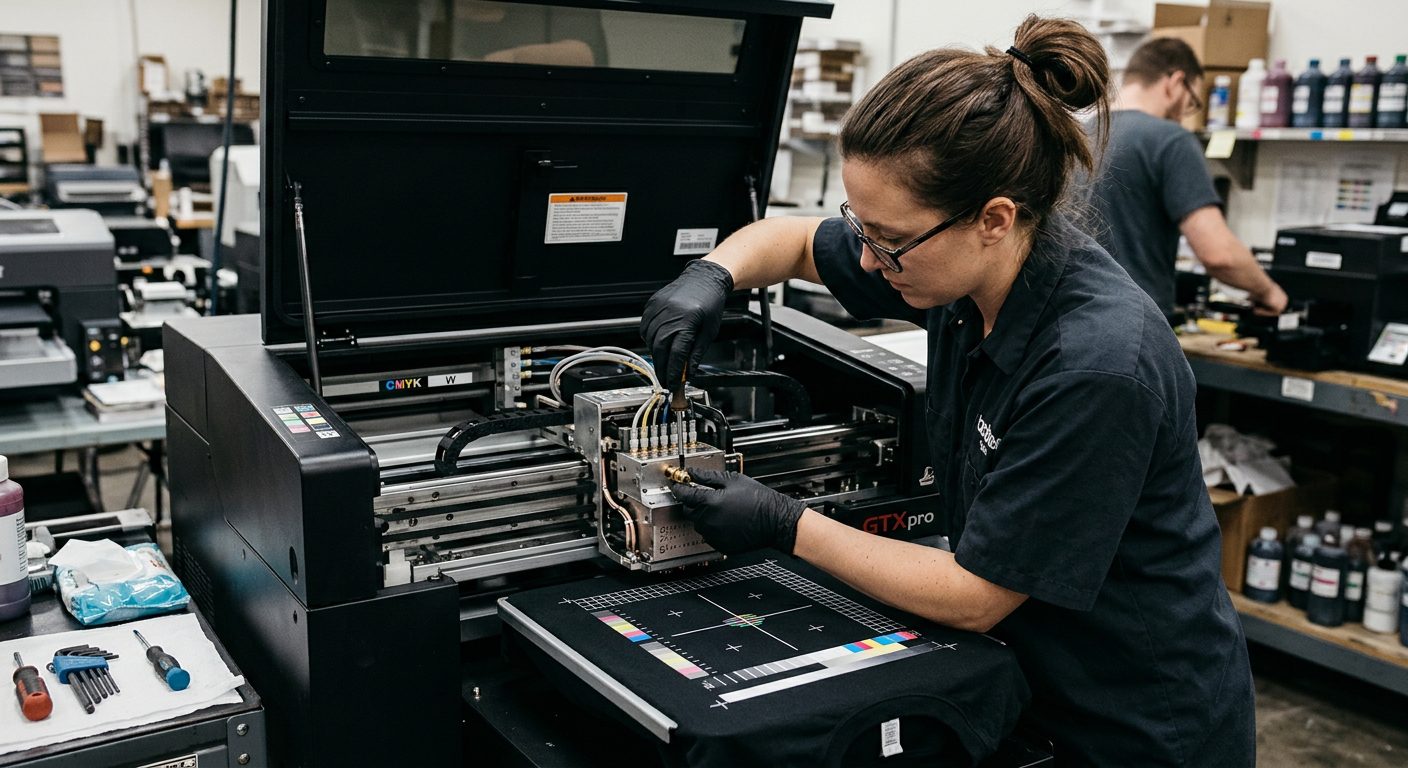
Routine cleaning keeps printheads aligned over long shifts. Ink residue and dust buildup can restrict carriage movement over time.
Operators should clean caps, wipers, and printhead surroundings daily. Gentle cleaning prevents ink crust from deflecting spray angles. Harsh wiping can damage delicate nozzles, so follow exact manufacturer steps.
Keep the platen flat, level, and clean. Garments must rest flat under the printhead carriage. Raised fabric edges alter print height, which reduces drop accuracy.
Carriage rails must stay clean and properly lubricated. Small dust particles on guide rails cause micro-stalls.
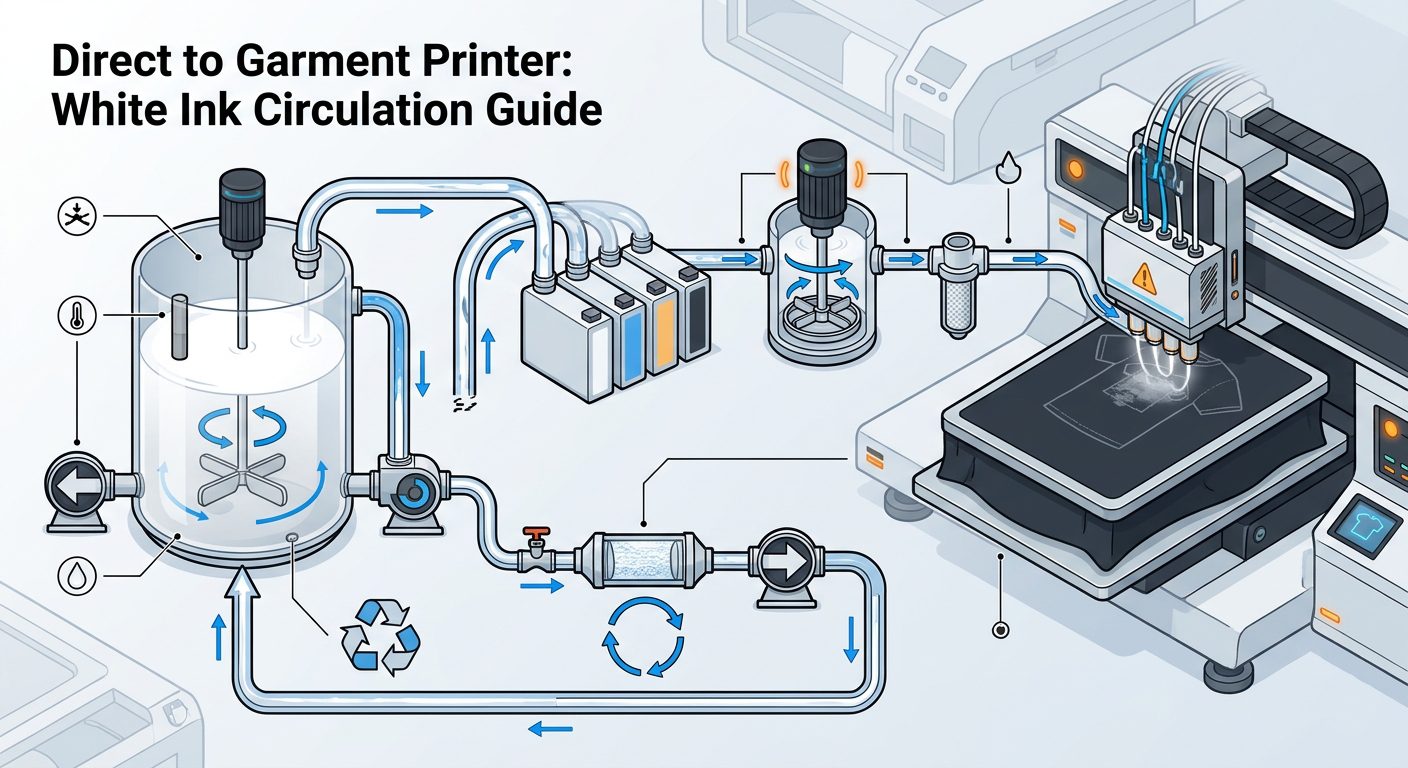
Environmental controls stabilize ink delivery too. Maintain steady shop humidity and temperature levels. Stable room conditions keep ink viscosity uniform.
Modern Software Tools for a Direct to Garment Printer
Modern printing software provides powerful calibration controls. Software settings correct minor mechanical drift without requiring manual tool adjustments.
Digital test patterns make alignment issues simple to spot. Operators select the cleanest printed pattern line in the software menu. Software then updates step values automatically.
Material profiles also play an important role. Cotton, synthetic blends, and dark fabrics absorb inks differently. Using correct fabric profiles prevents false alignment alarms caused by ink bleeding.
Regular software updates improve mechanical motion algorithms and drop control. Update RIP software and printer firmware through official brand channels.
Essential Calibration for Every Direct to Garment Printer
Run full calibration tests whenever print clarity drops. Recalibrate after replacing parts, changing ink brands, or moving machinery across your shop floor.
The alignment check begins with a test pattern pass. Operators inspect straight lines for gaps, uneven spacing, or overlapping ink.
If patterns reveal shifts, adjust settings in small increments. Print a fresh test sheet after every setting tweak.
Record your working calibration numbers on a log sheet. Saved reference values make troubleshooting future errors faster.
Run test sheets before starting large bulk orders. A quick test sheet prevents wasted shirts and saves costly ink.
Accurate positioning matters across all digital print equipment. A high-resolution sticker printing machine needs precise cutting registration. Similarly, a uv printing machine requires accurate registration to stack layered tactile inks cleanly.
Common Causes of Alignment Problems
Several shop factors can affect calibration over time. Recognizing these causes simplifies daily troubleshooting:
- Carriage Motion: Fast print movements cause minor mechanical shifts.
- Ink Residue: Dried ink alters nozzle spray angles.
- Dust Build Up: Airborne fibers cling to carriage rails.
- Garment Positioning: Wrinkled shirts change target distances.
- Incorrect Settings: Bad bidirectional values cause ghosting.
- Mechanical Wear: Worn belts and bearings loosen carriage paths.
- Environmental Shift: Humidity changes alter ink droplet flight paths.
Treatment begins with simple daily maintenance instead of constant mechanical teardowns.
Simple Habits to Prevent Printing Errors
Preventing calibration errors saves time and protects profit margins. Operators should build consistent daily maintenance routines:
- Perform visual inspections before turning on power.
- Verify garments rest flat on platens before hitting print.
- Run nozzle checks daily to catch clogged jets early.
- Schedule routine alignment tests every week.
Adjust one software setting at a time while troubleshooting. Changing multiple settings together makes tracking errors difficult. Print test sheets after each single change.
Proper operator training reduces preventable production mistakes. Teach your team to recognize early signs of printhead drift.
For print shops using a printer for shirts, these steps improve color consistency across large orders. They also reduce wasted blank garments.
Businesses looking for high-quality corporate wear and signage applications can discover complete solutions at Izra UAE.
Professional Servicing for Your Printing Equipment
Professional maintenance keeps production machinery working at peak performance. Experienced service engineers inspect internal belts, motors, optical encoders, and printhead assemblies.
Call certified technicians when software alignment fails to fix blurry prints. Persistent alignment errors usually indicate worn drive belts, loose bearings, or electrical issues.
Annual Maintenance Contracts (AMCs) offer structured protection for growing print businesses. Scheduled visits catch mechanical wear before sudden machine breakdowns disrupt your orders.
Aura Sign Advertising offers top-tier trading, servicing, and technical support across the UAE. We support top brands like Mimaki, Roland, Epson, KingJet, MTuTech, and Zhongliqi. Our technical teams help local print providers protect equipment investments and minimize shop downtime.
Choosing a Reliable Garment Printing Solution
Evaluate calibration features carefully when buying new equipment. Select machines with automated alignment routines and easy-access maintenance areas.
After-sales support remains critical for busy print operations. Fast access to spare parts and certified technicians protects your production timelines.
Match machinery capabilities with your daily order volume. A compact printer for t shirts suits small boutique orders. High-volume print houses need industrial-grade frames and automated head-cleaning features.
Invest in training, proper software, and genuine spare parts. Well-maintained machinery delivers sharp, repeatable prints day after day.
Conclusion
Proper printhead alignment forms the foundation of quality DTG printing. Regular calibration keeps color channels aligned, text sharp, and graphics crisp.
Daily maintenance, flat fabric loading, and stable shop environments prevent costly alignment errors. Partnering with technical experts like Aura Sign Advertising ensures your equipment operates smoothly with genuine parts and expert support.