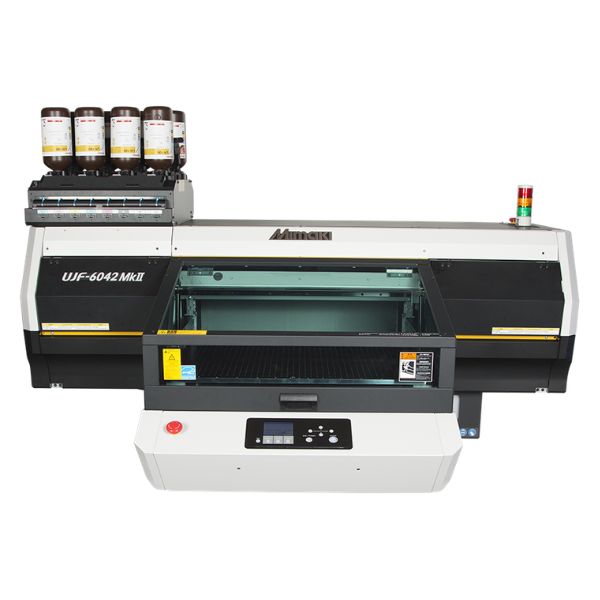
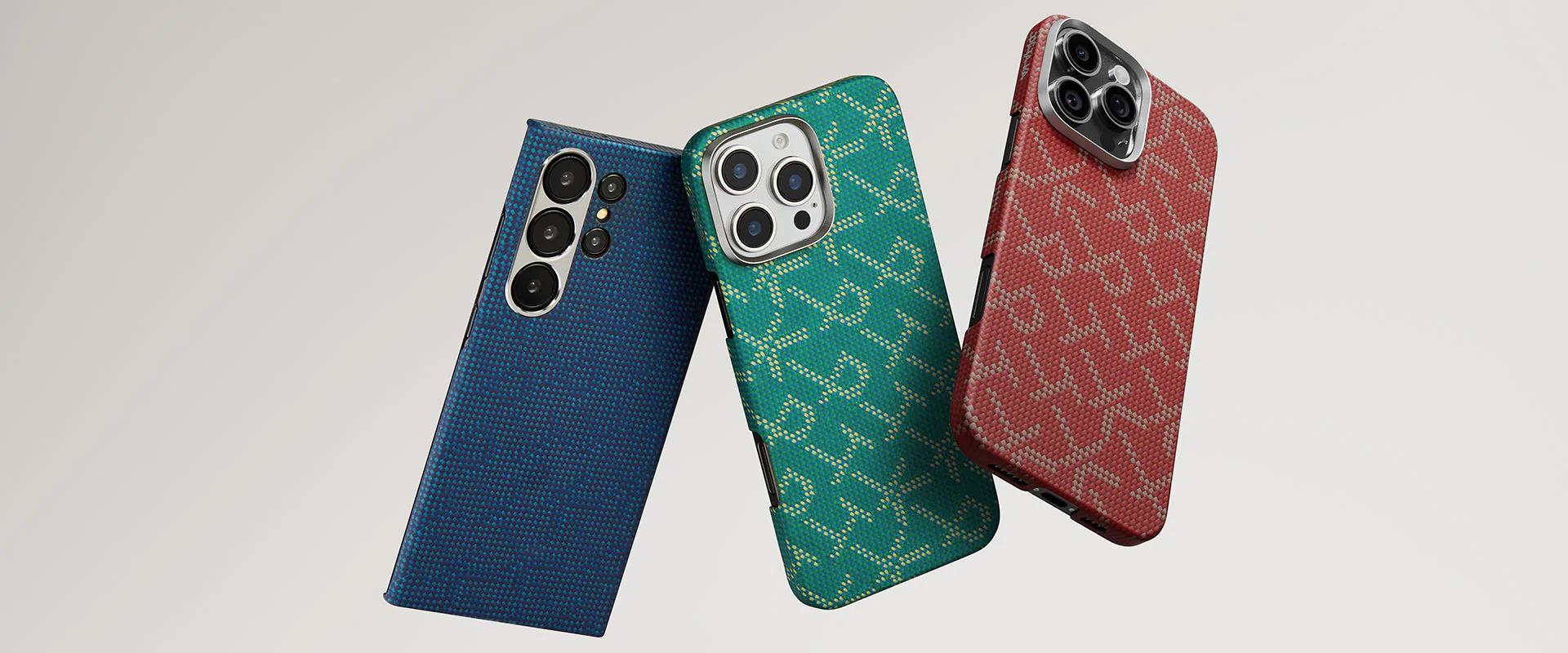
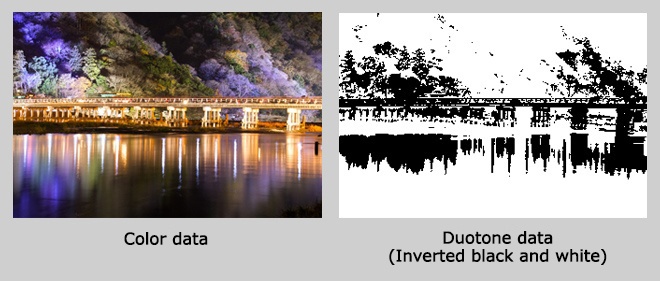
* On this tutorial, photo data is used. Therefore, Photoshop is used for editing the data. If only vector data such as color logo is used, Illustrator is used for data creation or editing.
When creating the data by Illustrator, assign the black to areas to be applied glitters or foils.
 Number a jig and a case
To avoid mismatch of color and duotone print results owing to a slight difference in a mounting positions of the jig. Place the case on the same position of the jig through whole print procedures. To identify, assign the same number to the case as the position.
Numbering and positioning are necessary processes for producing high-quality products.
 Printing duotone data with primer and white ink
Before printing, wipe the surface with a achol swab or cloth to remove fingerprints or dust.
Start print with UJF-3042HG
The white ink is printed first to contrast with black base color, and then the primer is printed.
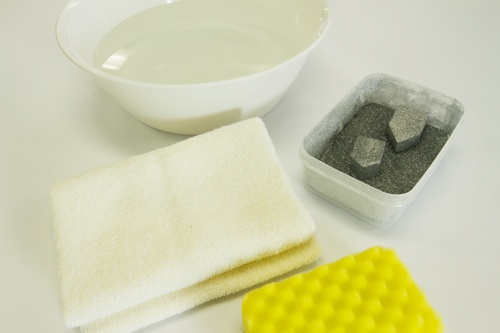
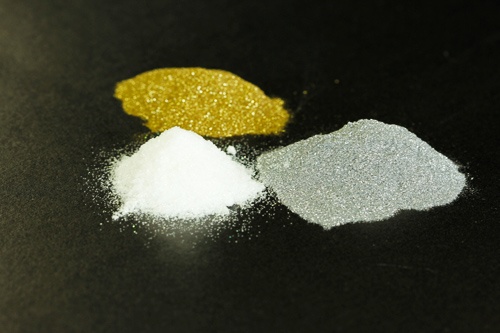
 Apply the glitter on the case
Take up glitters onto a sponge and apply it on the case. If the glitters are not applied well, push the sponge on the case.
Note: To prevent fine-grain glitter adhesion on furnitures or clothes, please secure an adequate work space and wear protective gloves and clothes.
 Wash excess glitters
Wash the case in the basin after applying sufficient amount of glitters.
Wipe the case well.
 Color printing over the glittered case.
After glittering, place the case on the jig and start color printing. Printed colors on glitters are changed to metallic colors.
 Varnish the case with clear ink printing
Print a clear ink for final finish. Print data is the same as used for primer printing.
Clear ink adds protective coating, increases texture and enhances three-dimensional effect.
 Doming finish
Doming is one of finish technique by utilizing a surface tension of special liquid resin.
Glossy finish and three dimensional effect are obtained when doming resin is used instead of the clear ink.